Dispatch crews.Track every job.Finish faster.
Assign the right crew, route them to the site, and keep every job on schedule, from first dispatch to final sign-off, all in one board.
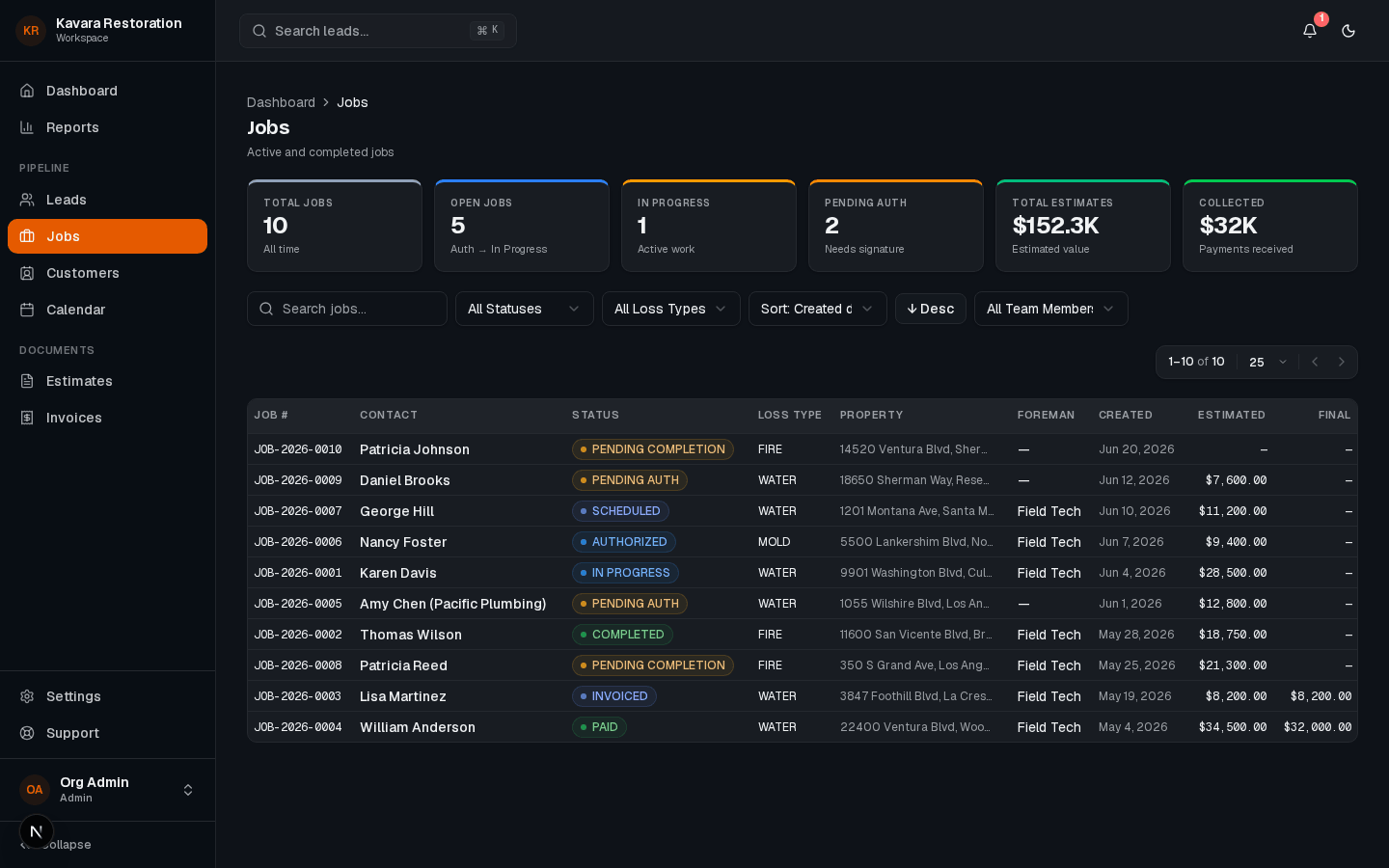
Built for restoration teams, dispatch, status, and the field in sync
What this feature does
Smart dispatch
Assign the right crew and route them to the site in seconds.
- Assign crews to losses fast
- Route techs straight to the site
- Match skills to job type
- 01
Real-time status
Every job's stage stays current as crews work.
- 02
Faster dispatch
Assign crews and send ETAs the moment a job comes in.
- 03
On-time arrivals
Schedules and ETAs keep crews and customers in sync.
- 04
One shared board
Office and field see every crew in one place.
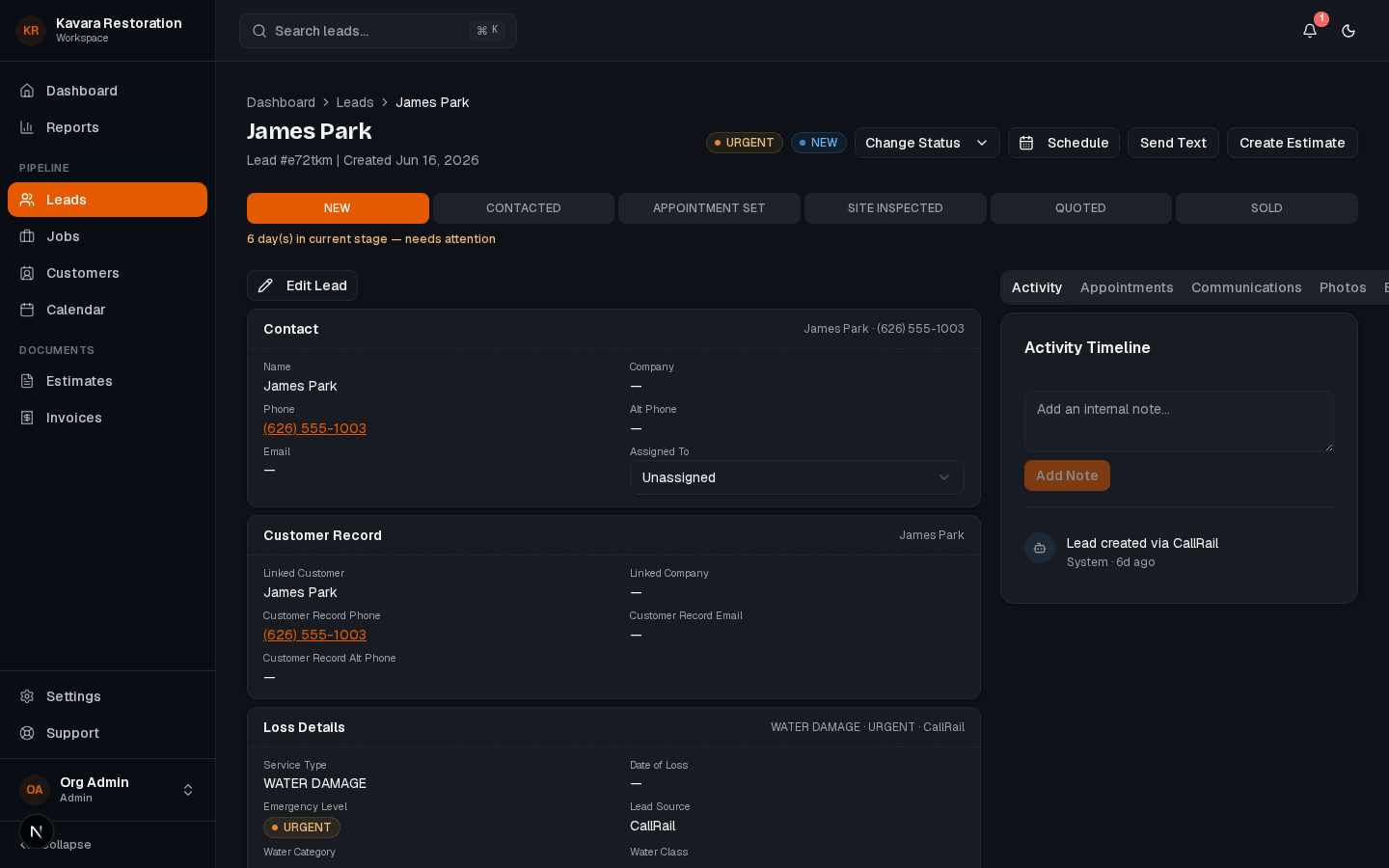
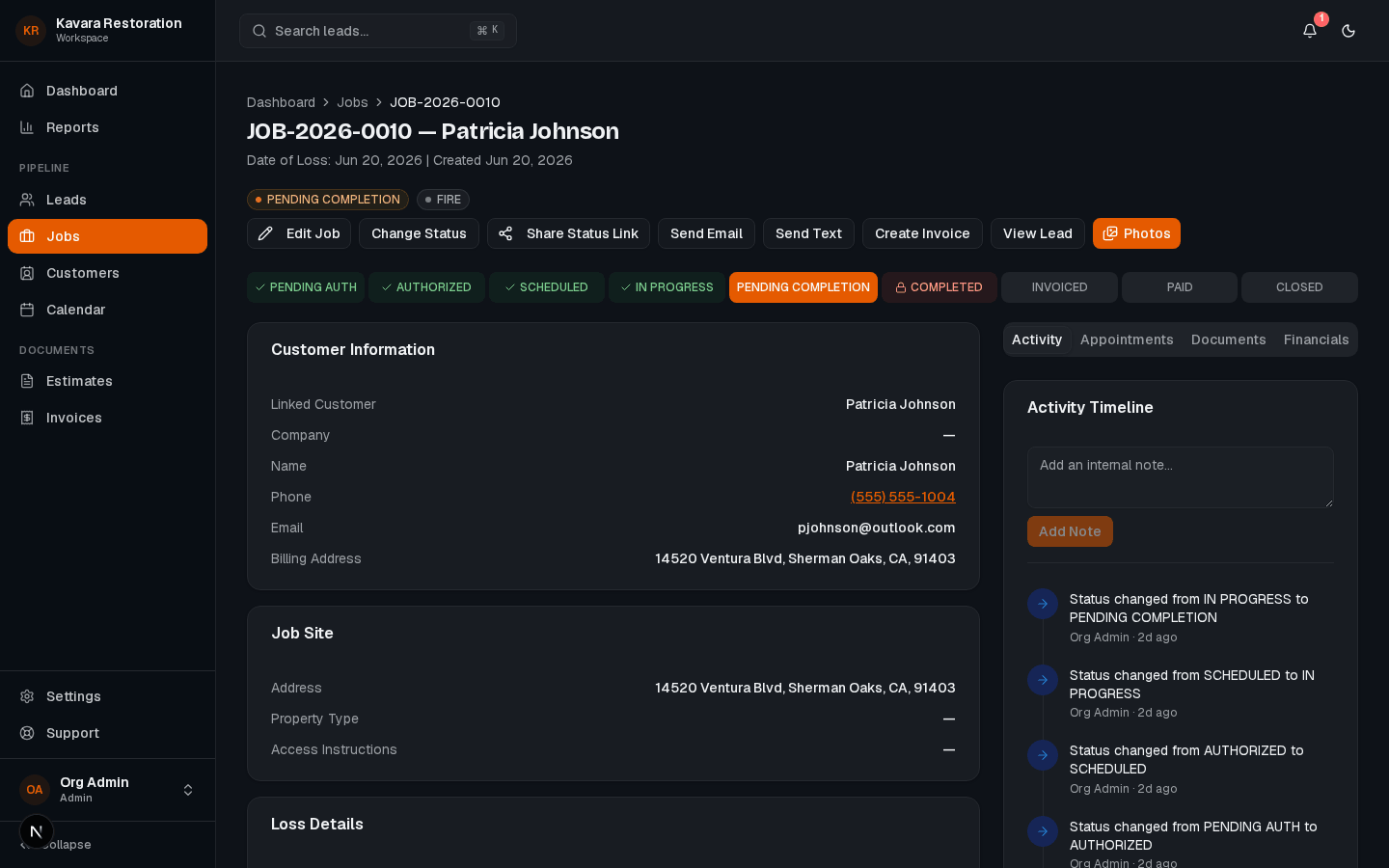
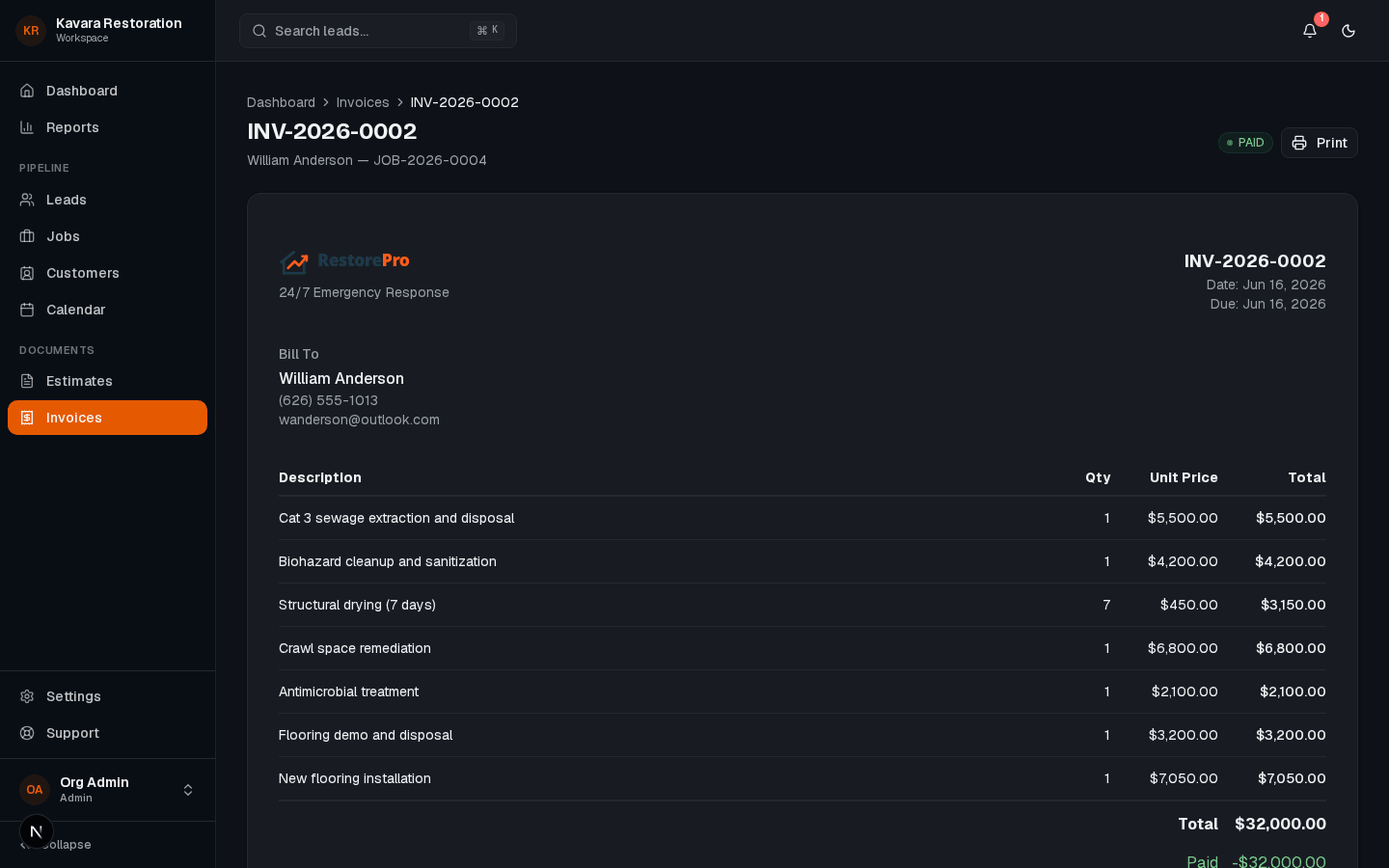
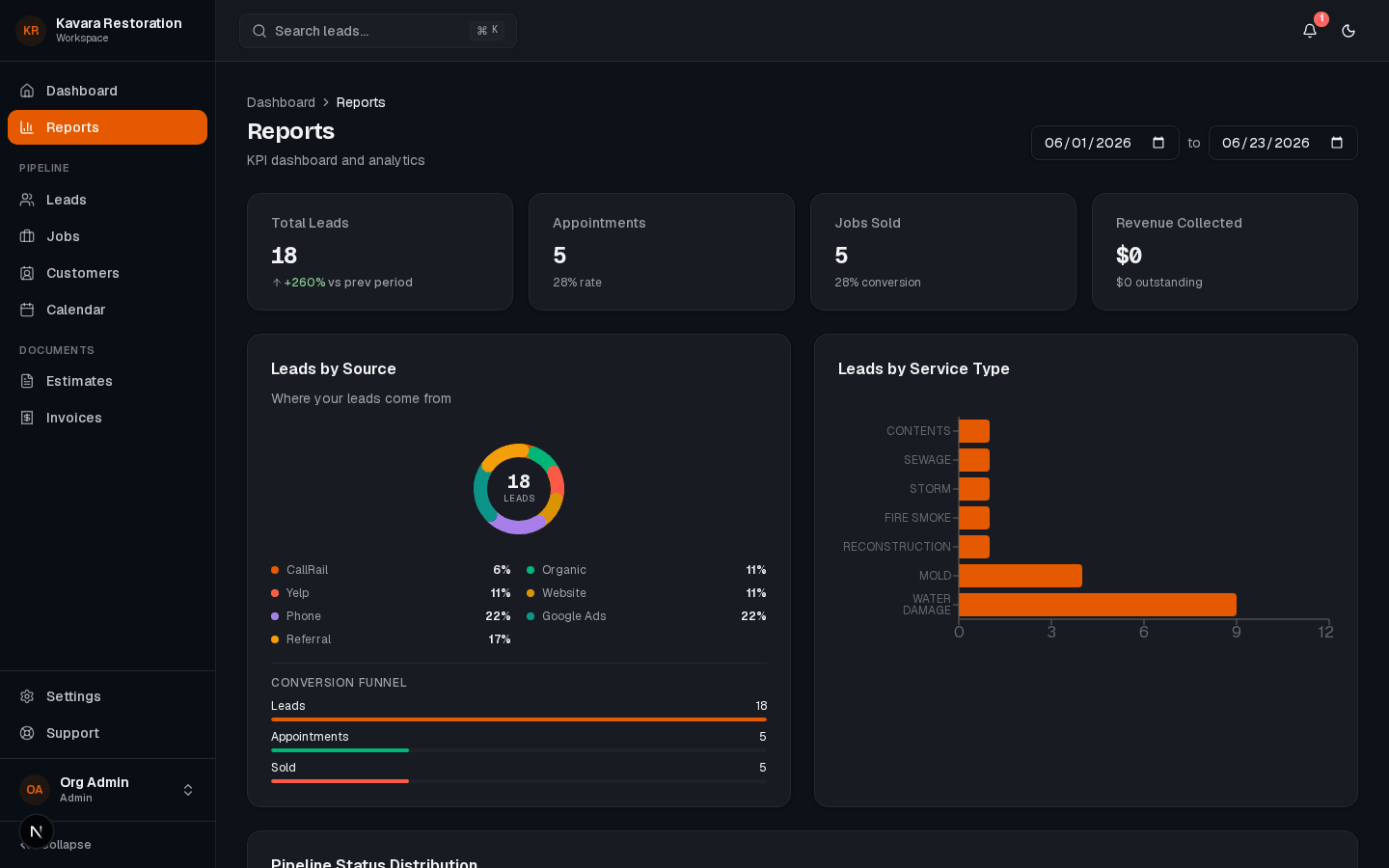
One connected platform
Every feature runs on the same job record
Leads, scheduling, documentation, billing, and reporting share one source of truth, so nothing falls between tools.
A drag-and-drop calendar lets you reschedule and reassign in seconds, with conflict warnings and automatic notifications to the assigned crew.
Yes. Each job moves through your pipeline from mitigation to reconstruction, so the office and the field always know what is next.
The assigned crew is notified automatically the moment a job is scheduled, moved, or reassigned, so no one shows up to the wrong address.
Ready to run every job from one platform?
See how RestoPath keeps dispatch, job status, and the field on one shared record.
- No credit card required
- Personalized walkthrough
- Cancel anytime