Workflow Optimization with RestoPath
Run jobs, schedules, and reporting from one dashboard so you automate the busywork and get back to what matters.

- Intake to one record
- Field updates in real time
- Billing closes the loop
What you'll learn
What you'll learn
Track your takeaways
Check off what you want to take away from this guide.
- Stop re-entering data
- Automate predictable steps
- Keep everyone on one record
Most restoration teams lose hours to busywork: re-entering data, chasing status, rebuilding the same packet. Tightening the workflow gets that time back for the work that matters.
Stop re-entering the same data
When intake, documentation, estimates, and billing share one job record, information is entered once and flows through. Re-keying is where errors and wasted hours hide.
Automate the predictable steps
Auto-replies, reminders, and status updates handle the repetitive follow-ups so the team can focus on the job in front of them, not the admin behind it.
Keep everyone on one record
Office and field working from the same job record means fewer status calls and fewer dropped handoffs. One source of truth is the simplest optimization there is.
Field note
Most wasted hours hide in re-keying the same details into a second tool. Enter it once, let it flow.
The takeaway
Enter data once, automate the busywork, and keep everyone on one job record.
Why this matters
Why this matters for restoration teams
Insurance jobs are won by the team that responds clearly, documents cleanly, and keeps the handoff moving.
- 01
Faster first response
Capture the job and confirm next steps before competitors call back.
- 02
Cleaner documentation
Photos, notes, and readings stay attached to the right job from day one.
- 03
Fewer back-and-forth delays
Adjusters and crews work from the same record, so nothing stalls.
Keep reading
Keep building the workflow
More restoration playbooks that connect to the same job record.
- Operations
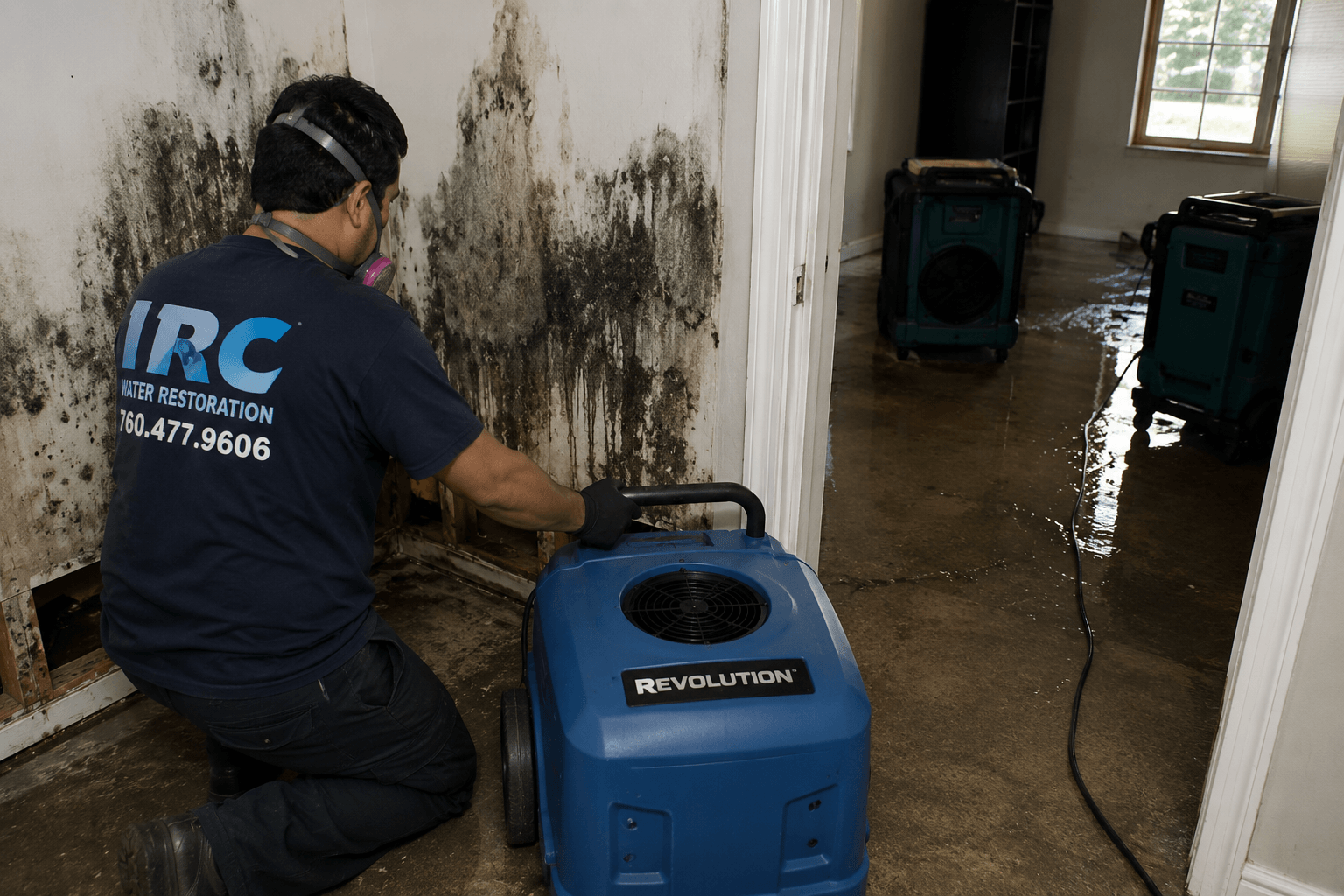
Building a Drying Log Adjusters Trust
8 min read - Insurance

- Operations
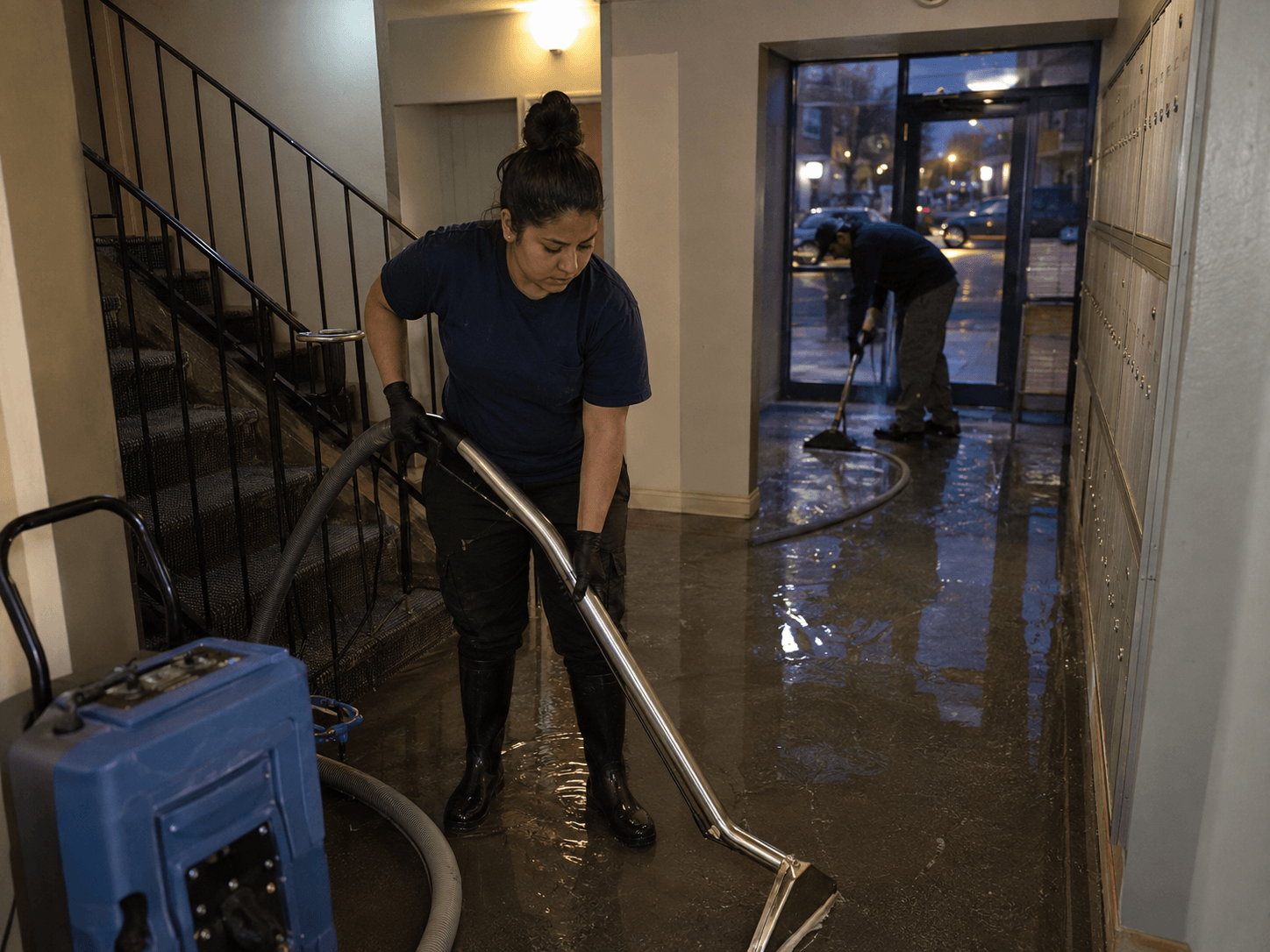
Dispatching Crews Without the Chaos
10 min read - Industry

Storm Season Readiness Checklist
Checklist - Growth

How to Win More Insurance Jobs
12 min read - Operations

Documentation That Speeds Up Claims
7 min read